Do we need internet to use it?
Not with the clinic-network setup: the system runs on your local network, so billing continues during outages. The cloud-database setup does need internet.
Is it up to date with PhilHealth’s SOA format?
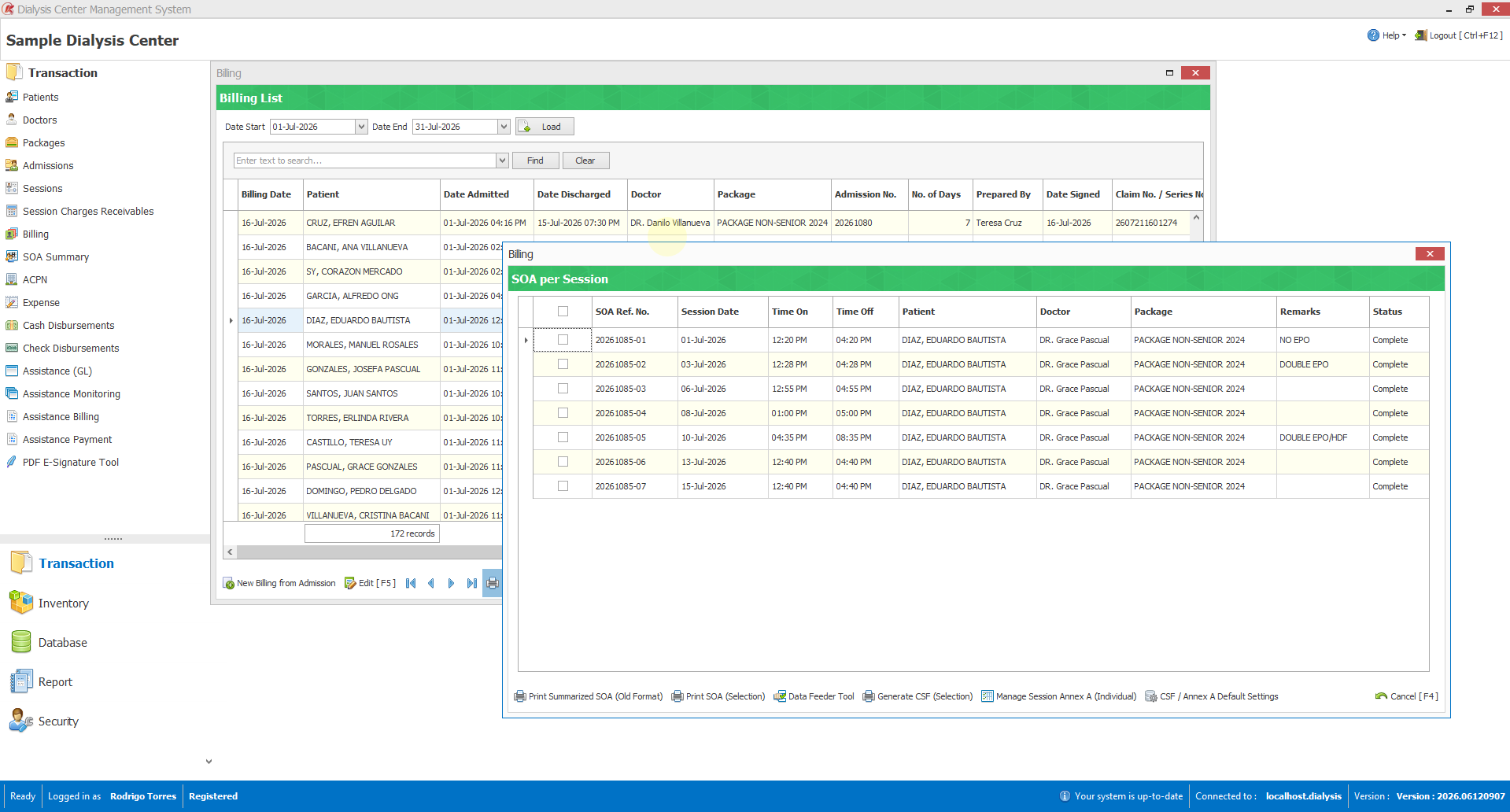
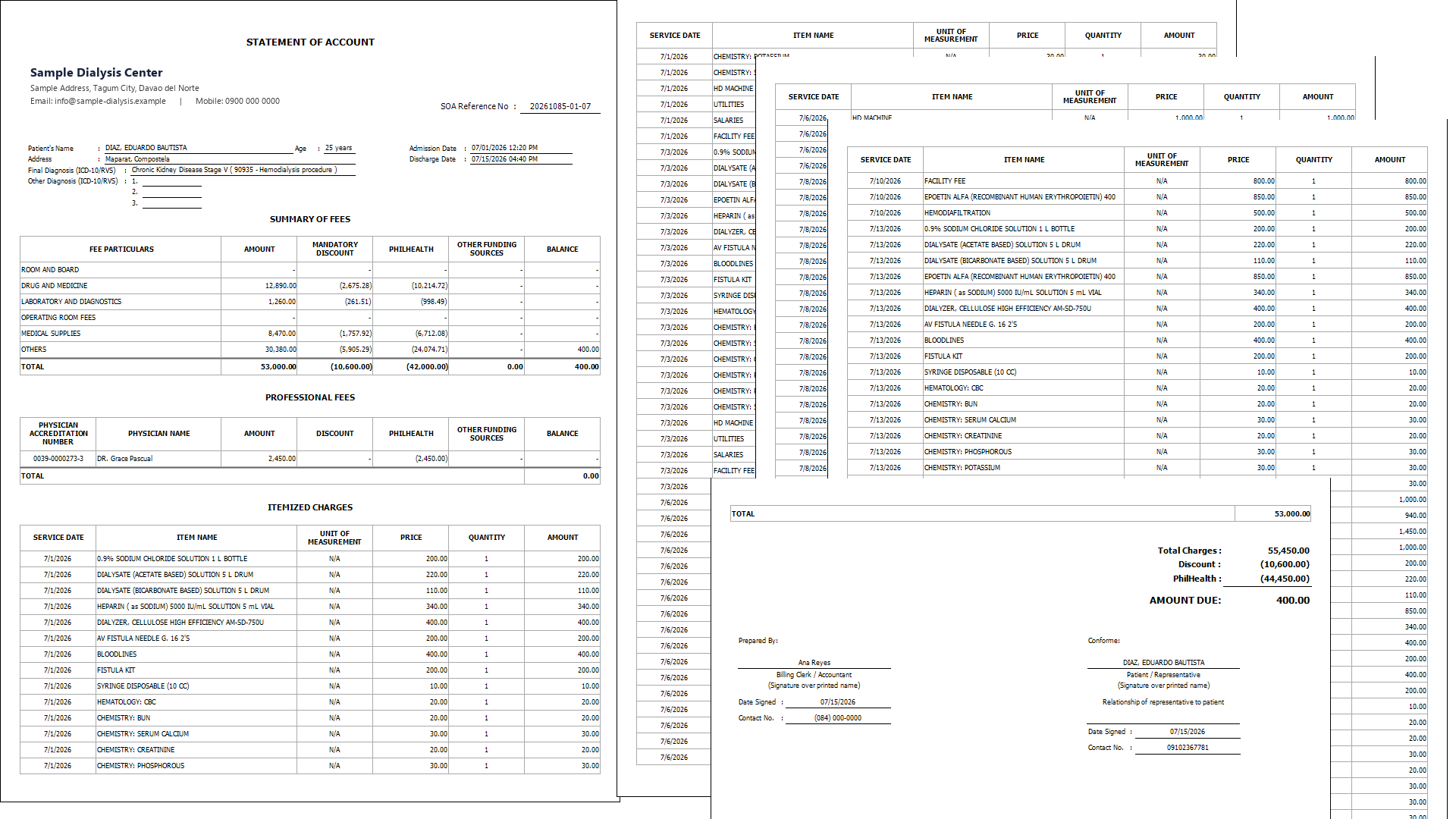
It includes the per-session SOA and the February 2026 summarized format, and keeps earlier formats for reprints. When PhilHealth changes the SOA or a form, we update the system to match — quoted to the scope of the change.
Which PhilHealth forms can it print?
The SOA, CSF, Annex A and CF-2, with the hemodialysis codes (ICD-10 N18.5, RVS 90935) already filled in. SOAs and CSFs can print in batches.
Can we control what each staff member can do?
Yes. Everyone gets their own login, and you choose what each person can view, add, edit, delete or print in each module — more than 150 separate permissions. Sensitive actions can also require a supervisor’s password.
Can you move our existing records into the system?
We don’t hand-encode your records for you, but if you already keep them in a file or another system, we can help import them during setup — so you start with your real patients already loaded.
How many computers can use it?
As many workstations in the clinic as you need, all sharing one database over your local network. We confirm licensing when we scope your setup.
How long does setup take?
It depends on how many workstations you have and how much existing data to move. We give you a clear timeline when we scope the work, and handle installation, setup and training for you.
What support do we get?
Support by phone and Viber, plus software updates — including new PhilHealth form formats as they come out.
Can we see it in action first?
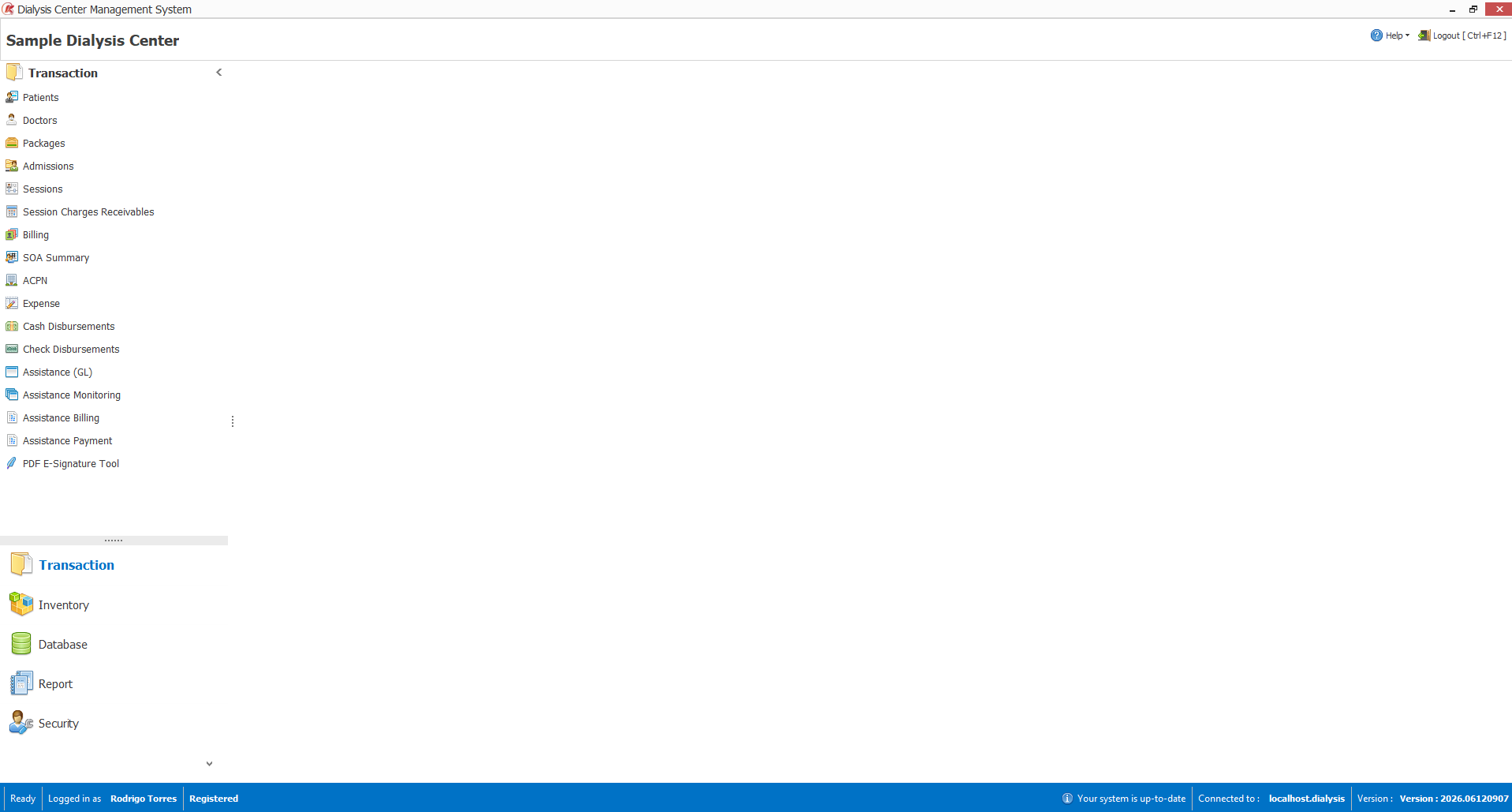
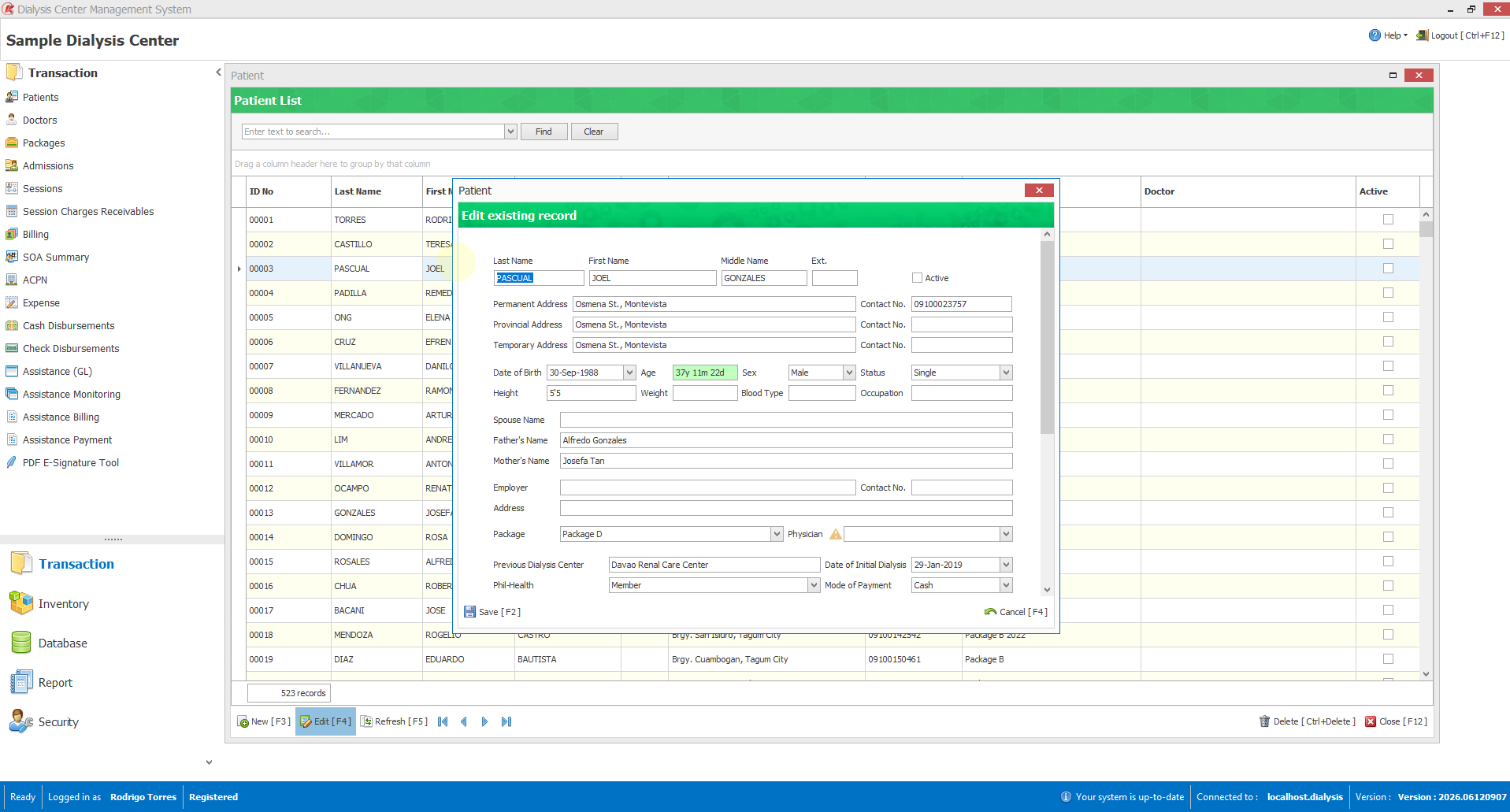
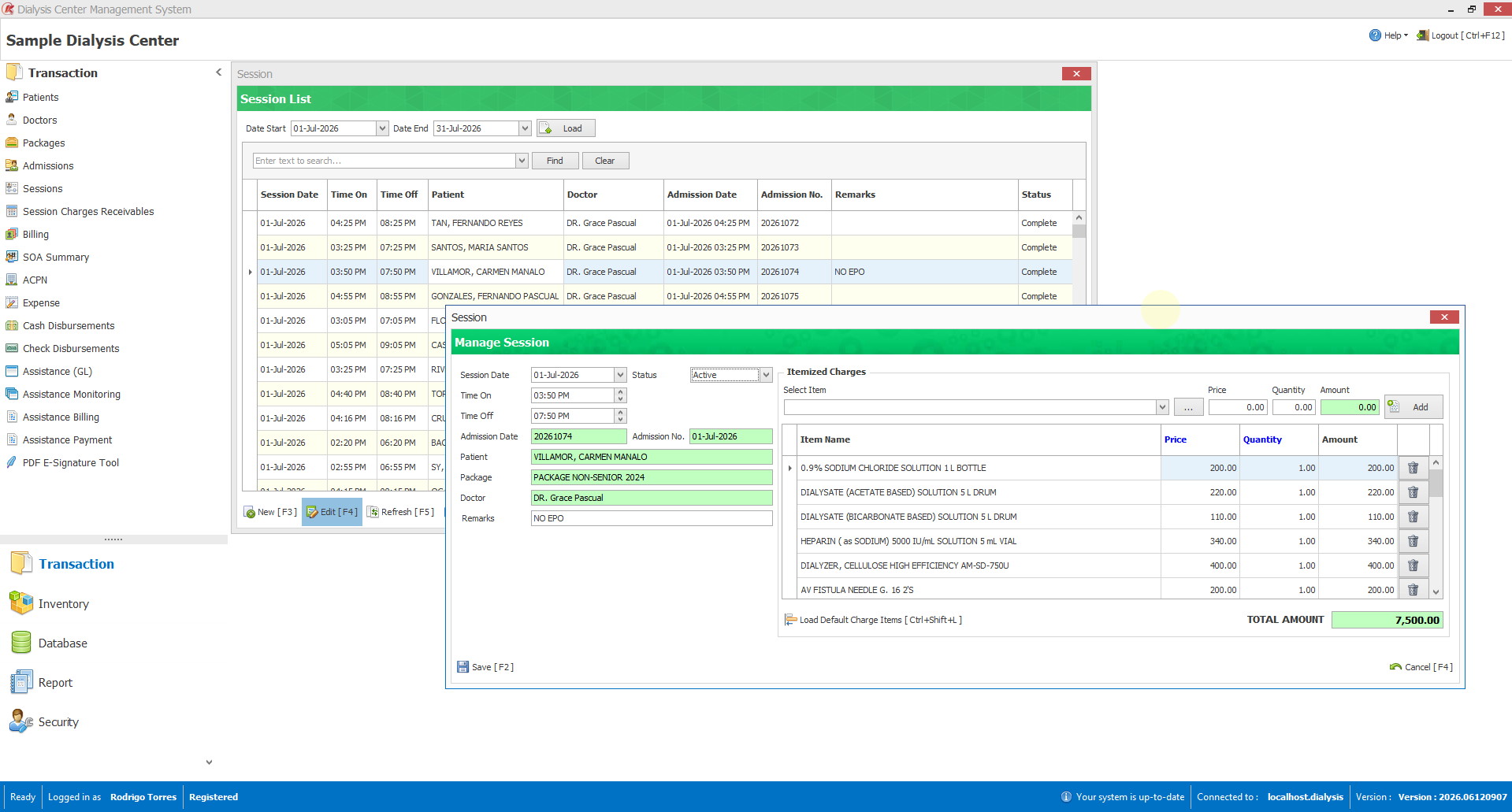
Yes — we’ll give you a live demo on sample data, walking through admission, sessions, an SOA and the PhilHealth forms, so you can judge it against your own workflow before you decide.